


Jackson Audio Gloden Boy



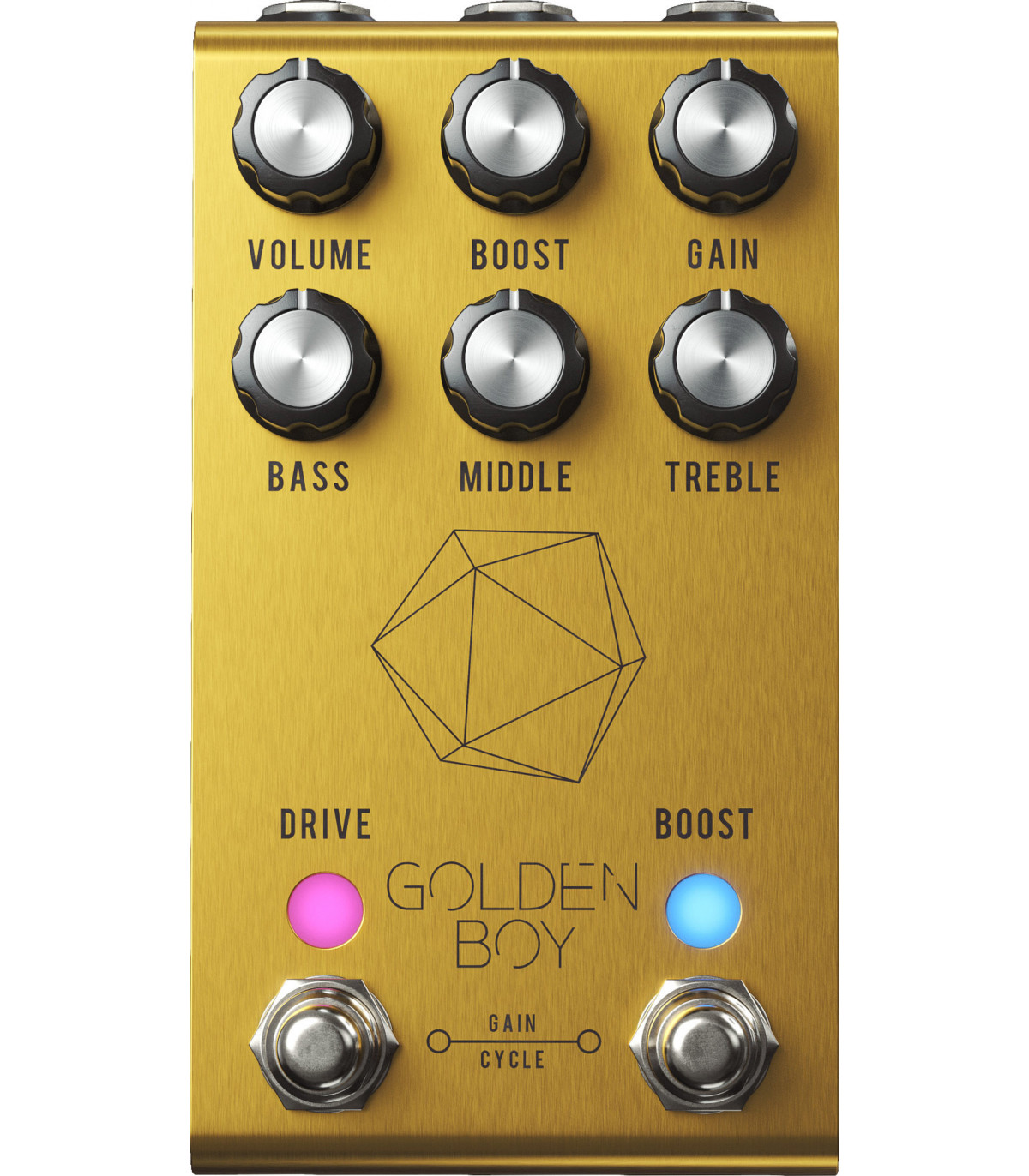
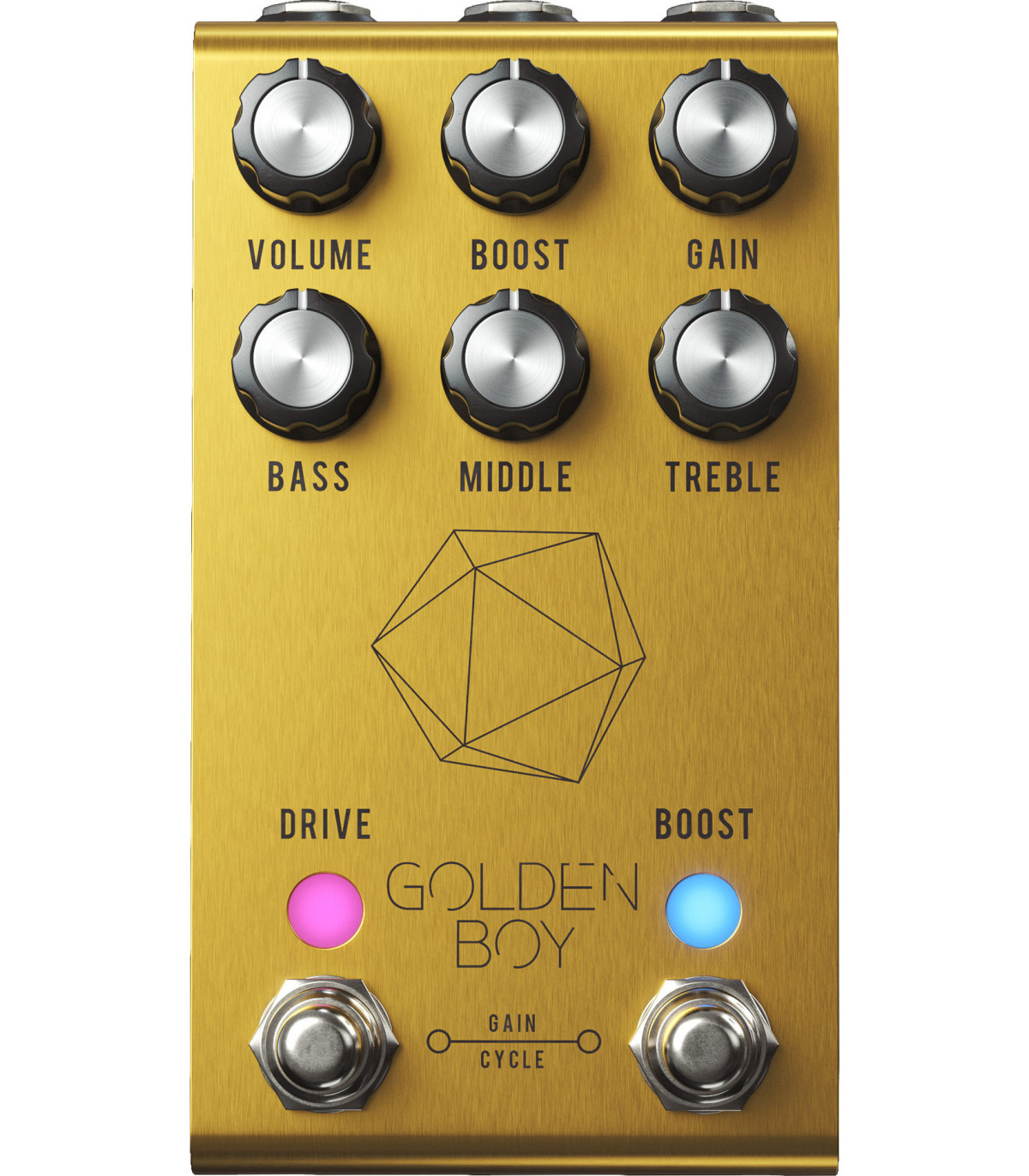
Jackson Audio Golden Boy has been developed in collaboration with guitarist and songwriter Joey Landreth, tailored to his preferences, resulting in a truly versatile pedal.
- Transparent overdrive
- High headroom
- Separate switchable Drive and Boost circuits
- Three-band EQ
- Boost and gain controls
- True bypass
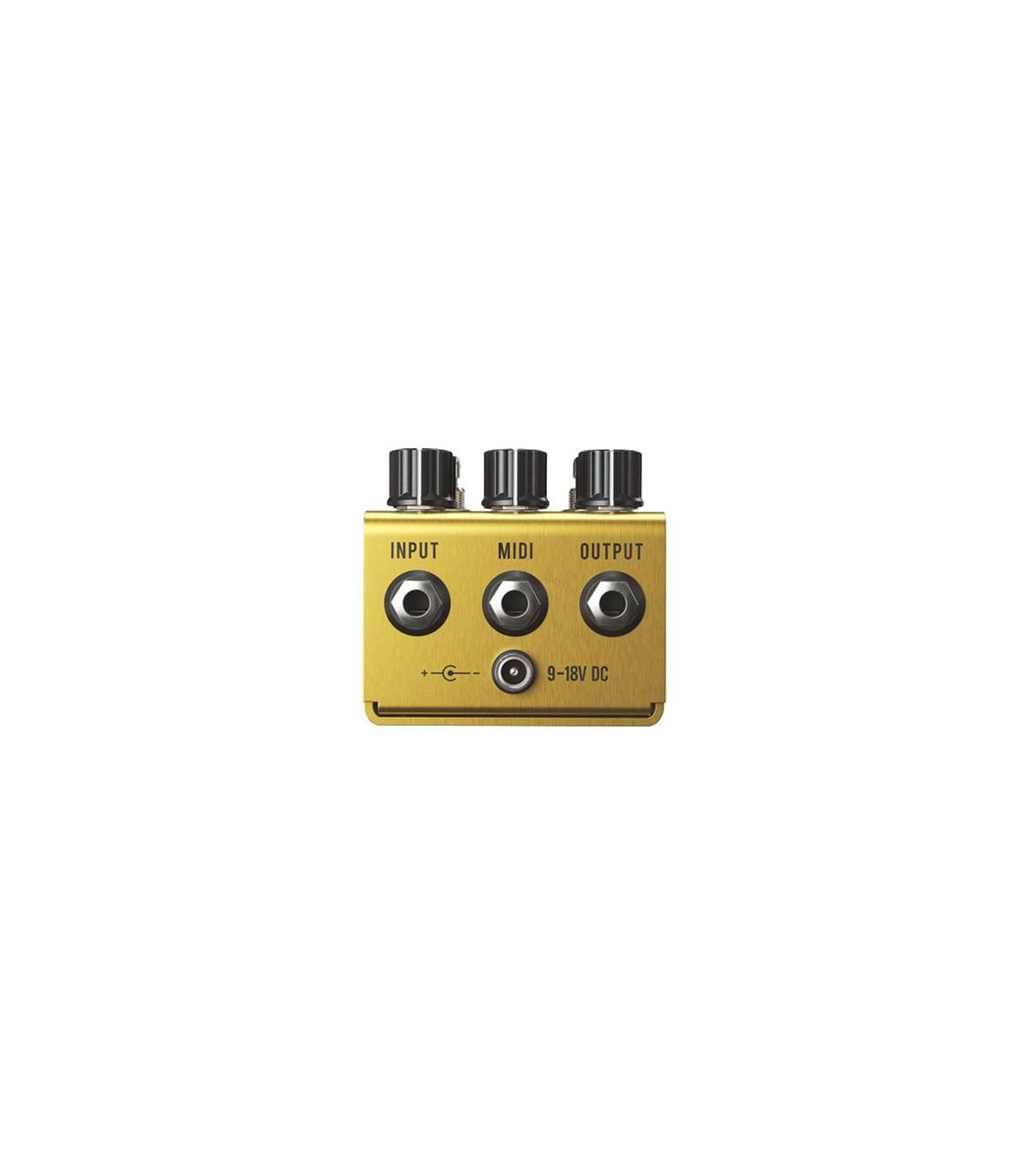
- Operates at 9V-18V
- Consumes 150mA
- Made in the USA
Joey Landreth is best known for his Canadian Country style. We consider him a true lover of dynamics and an expert in low-gain settings. The Golden Boy is one of the most versatile and transparent overdrives ever created. Rich in harmonic details and overflowing with headroom, the Golden Boy redefines the concept of transparent overdrive, reminiscent of pedals like the Klon Centaur, and updates it with modern features never before seen in an overdrive pedal.
- Active three-band EQ for maximum sound flexibility
- Innovative Jackson Audio Gain Cycle feature, which consists of a cycle of available gain levels within the pedal.
- 4 presets available:
-
- Preset 1 – YELLOW LED: Treble Booster. Very useful for creating a thinner tone or stacking with a thick-sounding overdrive.
- Preset 2 – GREEN LED: Mid boost. Thicker than the yellow mode, this green mode allows for more powerful bass and takes on the character of a mid booster with a tone closer to a Tubescreamer.
- Preset 3 – AQUA LED: Custom boost. For most guitarists, this is a perfect setting that complements most overdrive configurations on the Golden Boy.
- Preset 4 – BLUE LED: Full range. This preset does not emphasize any specific frequency, just the natural tone of your guitar.
Programming Mode
To select a preset, press and hold the BOOST footswitch for more than 1 second to activate programming mode. When in this mode, the BOOST LED will flash to indicate you are in programming mode. A quick press on the BOOST footswitch will cycle through the presets, allowing you to hear the changes as you scroll through them, assuming the boost circuit was active when entering programming mode. When you reach the desired preset, press and hold the BOOST footswitch for more than 1 second to exit programming mode.
The same process applies for the DRIVE mode presets.
Gain Cycle
The Gain Cycle function takes the setting of the Gain knob, which selects its maximum gain level, and divides that gain level into 4 equal parts. For example, if the Gain knob is set to maximum or 100% gain, each press of both footswitches simultaneously will increase the pedal's gain by 25% until reaching 100%. The next press after 100% will reset the gain cycle back to 25%.
Every time you press both footswitches simultaneously, the pedal's gain increases by 25% until it reaches 100%. After that, it cycles back to 25% on the next press.
The brightness of the DRIVE LED will indicate the selected gain percentage. The brighter the LED, the higher the gain setting.
- Gain Cycle #1 – DIM LED – 25% of the Gain knob value.
- Gain Cycle #2 – BRIGHTER LED – 50% of the Gain knob value.
- Gain Cycle #3 – BRIGHT LED – 75% of the Gain knob value.
- Gain Cycle #4 – VERY BRIGHT LED – 100% of the Gain knob value.
MIDI Control
The pedal defaults to MIDI channel 1. This can be changed by pressing and holding the Drive footswitch. Press the Boost footswitch to increment the MIDI channel number. While holding the Drive footswitch, the LED will flash to indicate the selected MIDI channel. For example: 7 flashes = MIDI channel 7. After the LED stops flashing, the pedal pauses for 2 seconds to confirm the selection. The LED will continue flashing while you hold the Drive footswitch. Once you've selected the desired MIDI channel and counted the flashes, release the Drive footswitch. The pedal will save this channel in its internal EEPROM and restart.
Next, we see some demo videos of the pedal and its different presets, presented by Joey Landreth himself.
EAN13: 0302128186155